Open a Doc or Sheet
mono runs only on Google Docs and Google Sheets pages, and only once you open it from the toolbar.
 mono
mono
Dark mode for Google Docs and Sheets
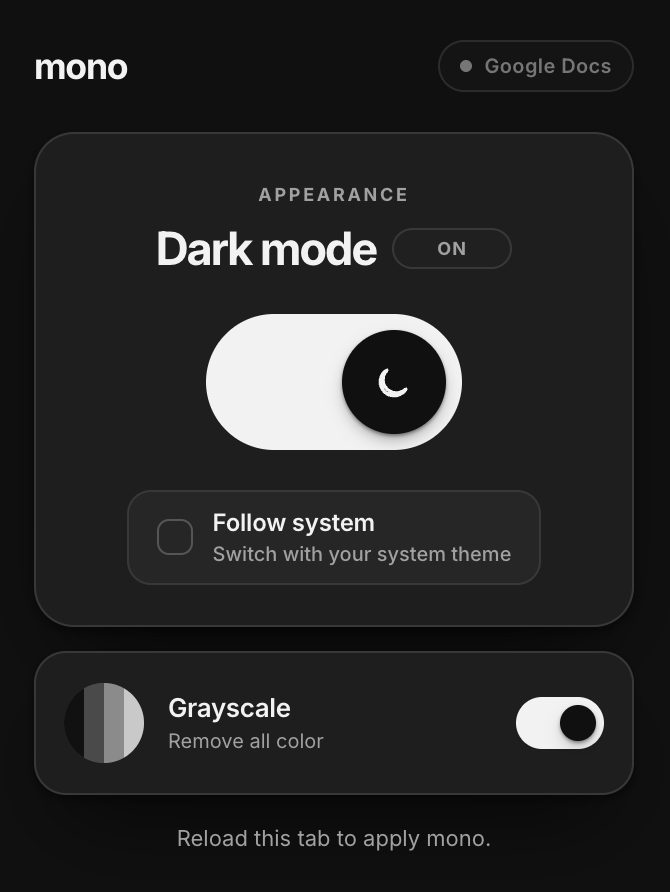
Dark mode follows your system, or you can set it yourself. Grayscale removes every color with one separate switch, only when you want it.
A simple appearance switch
mono runs only on Google Docs and Google Sheets pages, and only once you open it from the toolbar.
Turn it on manually, or check Follow system to match dark mode to your OS automatically.
A separate switch removes all color. Turn it off any time; dark mode keeps working on its own.
Deliberately small
mono changes how a Doc or Sheet looks. It does not read, store, or change the document itself.
Set it manually or let it follow your system appearance. Either way, switching is instant.
A second switch removes all color from the page. It works with dark mode or without it.
The free tier styles one unique Doc or Sheet every local day. Reopen that same file as often as you like.
mono never reads document text or spreadsheet values. It changes presentation only, with packaged CSS.
Pricing
The free tier is useful on its own. The lifetime unlock removes the daily limit. No subscription.
$0 forever
$4.99 one time
No document trail
mono does not read or transmit document text, spreadsheet values, titles, or Google account information. To enforce the free daily limit, it stores only today’s date and a one-way hash of a file ID — never the file itself.