Select
Highlight the sentence, paragraph, or passage you actually want to read.
 Shift RSVP
Speed read any selected text
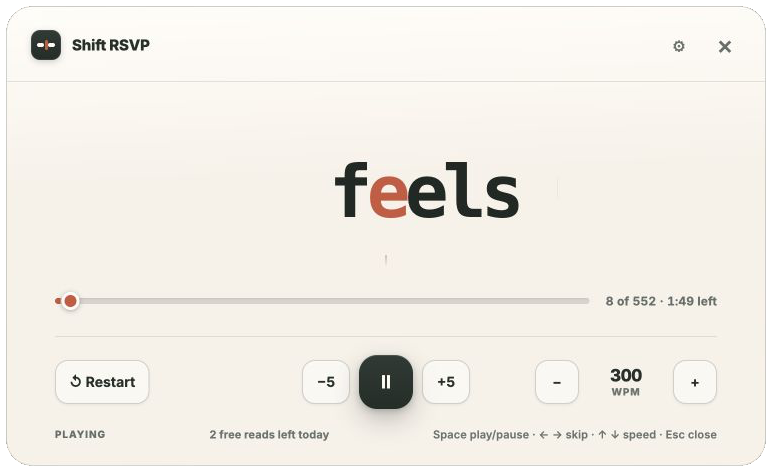
Shift RSVP turns exactly the text you choose into a focused one-word-at-a-time reader. Nothing to paste, upload, or save.
A simple reading ritual
Highlight the sentence, paragraph, or passage you actually want to read.
Or use the toolbar icon or the selection context menu on an ordinary webpage.
Pause, skip, restart, and adjust from 120 to 900 words per minute.
Deliberately small
Shift RSVP does one thing: it displays the text you select, one word at a time. No article extraction. No reading account. No feed to manage.
Shift RSVP never guesses what matters. It reads only the visible page text you deliberately highlight.
Shift+R opens the reader. Space pauses. Arrow keys skip and change speed. Escape closes.
Your selected text is processed in the current tab and never transmitted, stored, analyzed, or sold.
Sentence punctuation gets a little more time. Paid customization adds four fonts, four themes, Dark, and Auto.
Pricing
The free tier is useful on its own. The lifetime unlock removes the daily limit and opens every visual option. No subscription.
$0 forever
$4.99 one time
No reading trail
Selected text is held in memory only for the current reading session. The optional license check sends only the Gumroad key you enter — never selected text, page URLs, or reading history.